%20--%3e%3csvg%20version='1.1'%20id='Layer_1'%20xmlns='http://www.w3.org/2000/svg'%20xmlns:xlink='http://www.w3.org/1999/xlink'%20x='0px'%20y='0px'%20viewBox='0%200%2052.8%2052.8'%20style='enable-background:new%200%200%2052.8%2052.8;'%20xml:space='preserve'%3e%3cstyle%20type='text/css'%3e%20.st0{fill:%23D70036;}%20.st1{fill:%234B4F54;}%20%3c/style%3e%3cpath%20class='st0'%20d='M22.1,27.8L49.9,0.4C49.3,0.1,48.7,0,48,0H4.8C2.2,0,0,2.2,0,4.8V48c0,2.6,2.2,4.8,4.8,4.8h20.8v-0.1%20c2.9,0,5.5-1.4,7.4-3.6c2.1-2.3,3.4-5.4,3.4-8.5c0-3-1.2-5.7-3.2-7.6c-2-2-4.6-3.2-7.6-3.2c-0.4,0-0.8,0-1.1,0.1%20c-0.4,0-0.7,0.1-1.1,0.2l-4.6,1.1L22.1,27.8z'/%3e%3cpath%20class='st1'%20d='M51.9,2.1L26.5,27.2c3.3,0.2,6.3,1.7,8.6,3.9c2.4,2.4,3.9,5.8,3.9,9.5c0,1-0.1,2-0.3,2.9L52.8,5.4V4.8%20C52.8,3.8,52.5,2.9,51.9,2.1'/%3e%3c/svg%3e)

Enable efficient, yet compliant teamwork
Promote collaboration within your teams to drive innovation, improve satisfaction, and increase efficiency.
With shared efforts to mutual wins
per week
is what your coworkers can save through efficient content collaboration.
better performance
by establishing a secure collaborative work environment in the organization.
on content changes
made by your coworkers, partners, clients, and other external stakeholders.
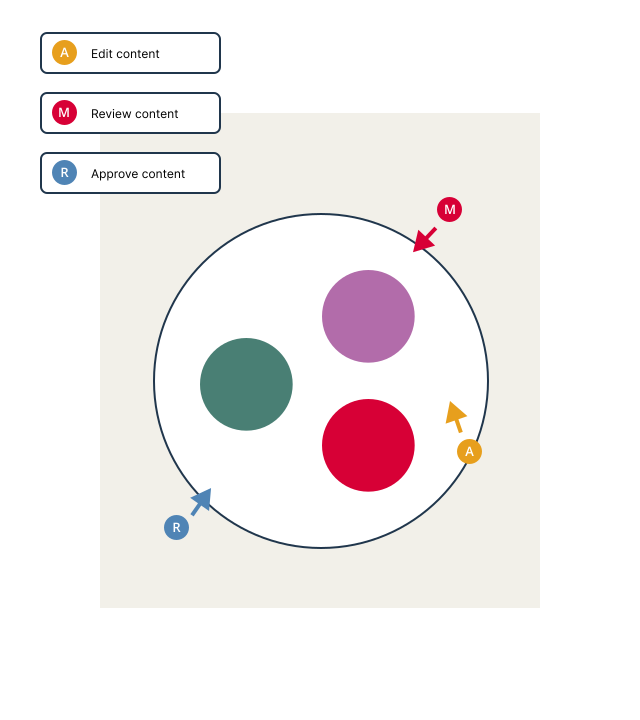
Easily collaborate with anyone, anywhere
- Invite anyone to edit, revise, or review document content
- Comment on documents and subscribe to content changes
- Forward document to content approval
"When we were collaborating on content via e-mail, the number of document versions doubled with every round of revisions. With InDoc EDGE we've managed to streamline this information chaos."
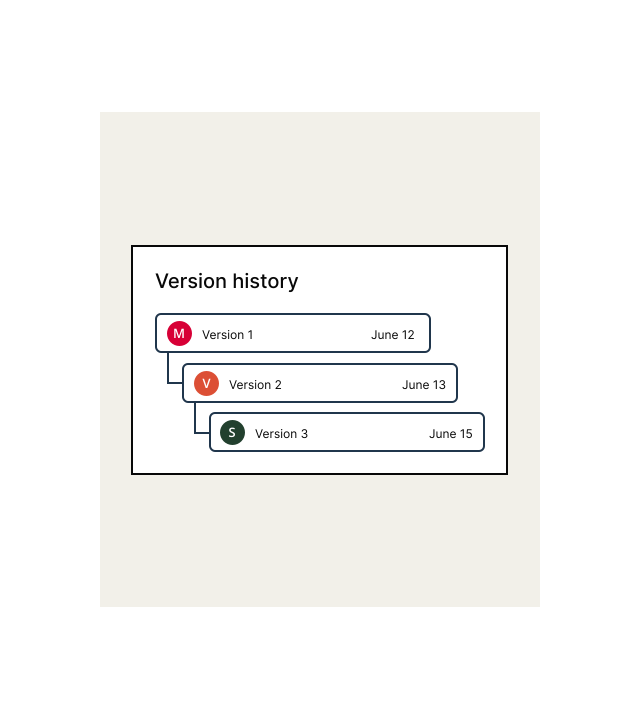
Ensure live updates for everyone at all times
- Edit content directly in your Microsoft Office tools
- Automatically update content versions
- Maintain control over document versions
- Access document history anytime
of employees perform better when they collaborate...
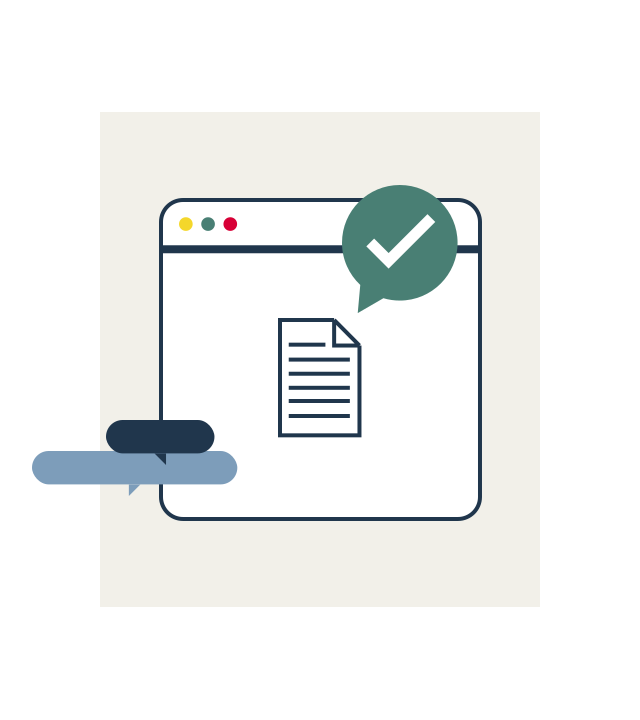
Create an environment for secure collaboration
- Preview documents without the need to download files
- Centralize content and feedback in one place
- Monitor collaboration with task insights and audit trail


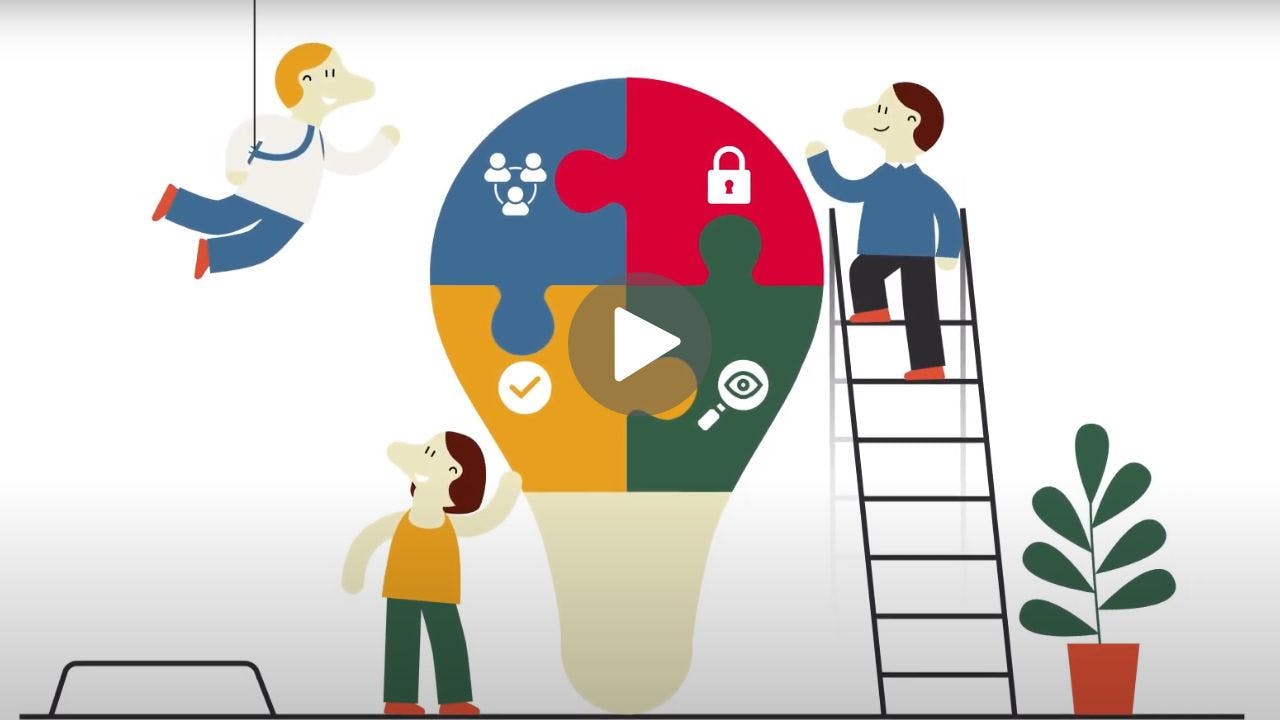
Feature overview
Open collaboration
Invite coworkers and any external stakeholders to collaborate on the content.
Edit content in your tools
Edit document content directly in your Microsoft Office tools.
Comment and track
Comment on document or task and track content changes, all in one place.
Preview content
Preview document content without actually having to download documents.
Automatic versioning
Prepare content drafts or lock versions for editing, automatically.
Document history
Maintain control and manage versions of documents in history as desired.
FAQ

for better performance