%20--%3e%3csvg%20version='1.1'%20id='Layer_1'%20xmlns='http://www.w3.org/2000/svg'%20xmlns:xlink='http://www.w3.org/1999/xlink'%20x='0px'%20y='0px'%20viewBox='0%200%2052.8%2052.8'%20style='enable-background:new%200%200%2052.8%2052.8;'%20xml:space='preserve'%3e%3cstyle%20type='text/css'%3e%20.st0{fill:%23D70036;}%20.st1{fill:%234B4F54;}%20%3c/style%3e%3cpath%20class='st0'%20d='M22.1,27.8L49.9,0.4C49.3,0.1,48.7,0,48,0H4.8C2.2,0,0,2.2,0,4.8V48c0,2.6,2.2,4.8,4.8,4.8h20.8v-0.1%20c2.9,0,5.5-1.4,7.4-3.6c2.1-2.3,3.4-5.4,3.4-8.5c0-3-1.2-5.7-3.2-7.6c-2-2-4.6-3.2-7.6-3.2c-0.4,0-0.8,0-1.1,0.1%20c-0.4,0-0.7,0.1-1.1,0.2l-4.6,1.1L22.1,27.8z'/%3e%3cpath%20class='st1'%20d='M51.9,2.1L26.5,27.2c3.3,0.2,6.3,1.7,8.6,3.9c2.4,2.4,3.9,5.8,3.9,9.5c0,1-0.1,2-0.3,2.9L52.8,5.4V4.8%20C52.8,3.8,52.5,2.9,51.9,2.1'/%3e%3c/svg%3e)

FEWER CLICKS, GREATER IMPACT
Outlook Add-in
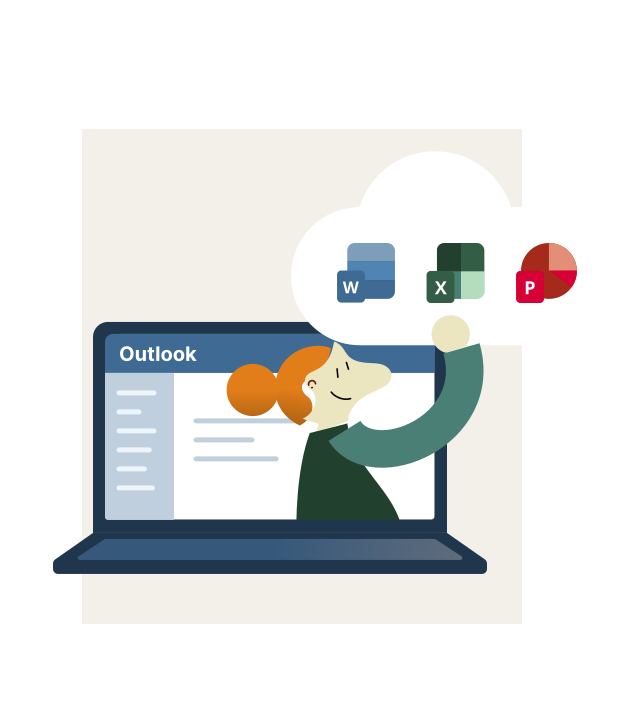
Access documents in InDoc EDGE directly from Outlook, save emails and attachments, and securely share links. This reduces the need to switch between applications and simplifies everyday document management.
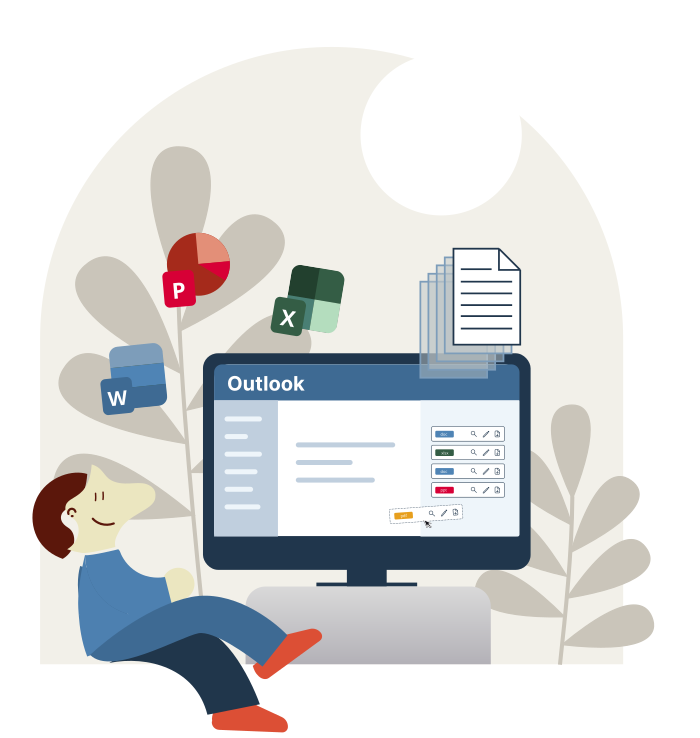
A perfect combination for successful work
Less switching
Documents at your fingertips in Outlook
Easy to use
Quick access and an intuitive experience
Secure access
Document access aligned with user permissions
PRODUCTIVITY
Save time
- Easily attach a document from InDoc EDGE to your email
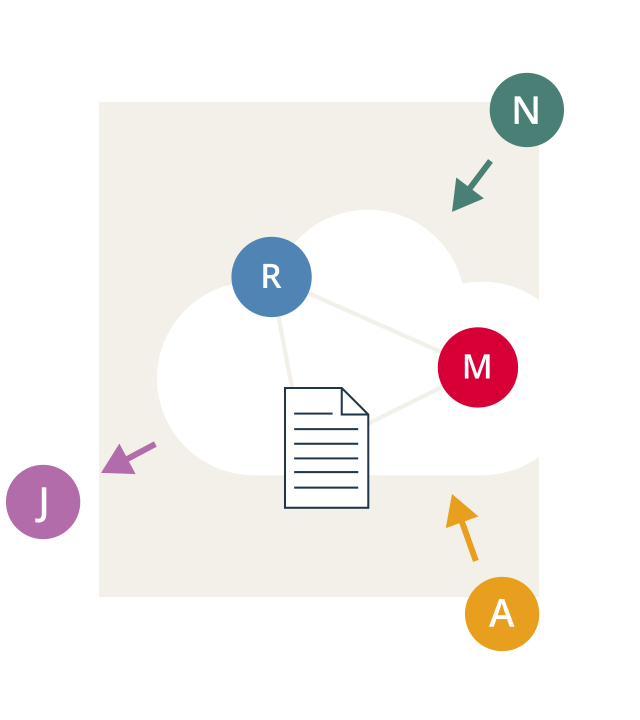
- Share secure links instead of large files or folders
- Involve external stakeholders in real-time collaboration
- Grant access only to users with the appropriate permissions
4 hours per week
are lost on average per user due to switching between tools.
Source: Harvard Business Review, 2022
USABILITY
Simplify work
- Access documents in InDoc EDGE directly from Outlook
- Choose the most suitable way to share documents
- Save emails and attachments directly to InDoc EDGE
- Adapt the workflow to fit your needs
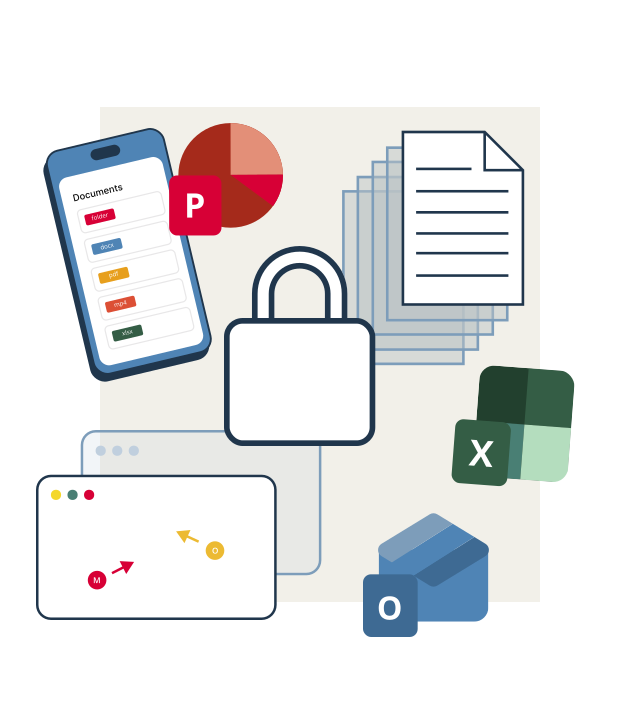
SECURITY
Maintain control
- Sign in with Microsoft Entra ID, AD, or personal credentials
- Ensure secure access across all devices and platforms
- Prevent information loss through timely saving to InDoc EDGE
- Track activity with a unified audit trail and task history
Feature overview
Secure access
Use Microsoft Entra ID, AD, or your username and password.
Fast search
Quickly find documents by name, metadata, or content.
Document sharing
Easily attach a document from InDoc EDGE to your email.
Link sharing
Create and send links to designated folders or large files.
Collaboration
Easily collaborate with coworkers and external stakeholders.
Unified storage
Save emails and attachments without switching between tools.